
How to take a good profile photo: light, distance and a calm background
Take a good profile photo for WhatsApp, LinkedIn or your CV yourself. Face a window, put the phone further away and choose a calm background.
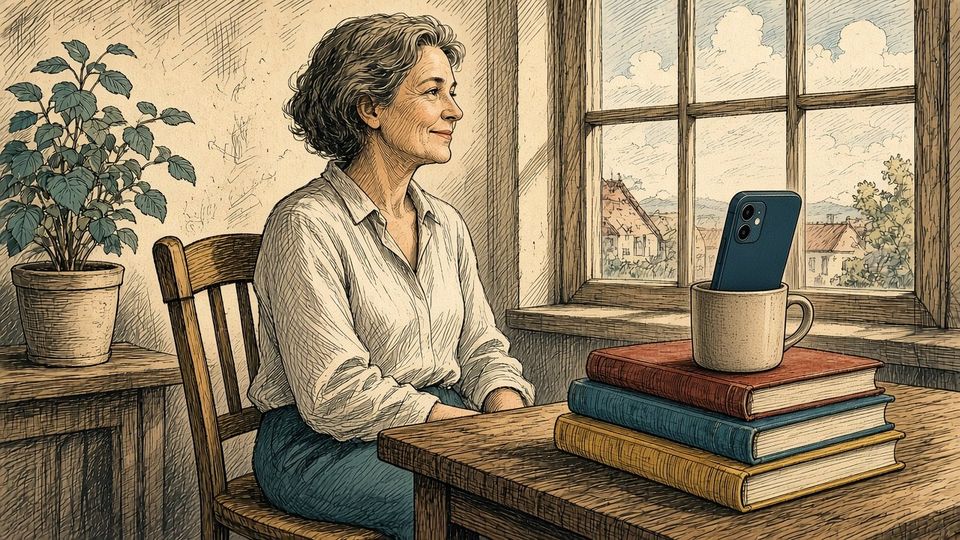
A good profile photo shows your face clearly, in soft light and without distractions. You don’t need a camera or a photographer for that. A phone, a window and a few minutes are usually enough.
Your profile photo is often shown very small. On WhatsApp and LinkedIn it also appears as a circle. Something that looks fine on your screen can be hard to make out in that small circle. Keep that in mind at every step.
Face the window
A lamp straight above you casts shadows under your eyes and nose. So stand or sit facing a window. The daylight then falls softly and evenly on your face.
Bright sunshine through the window is too harsh. You squint and get hard shadows. Choose a window without direct sun, or wait until it clouds over.
Don’t stand with your back to the window. The background will be bright and your face will turn dark.
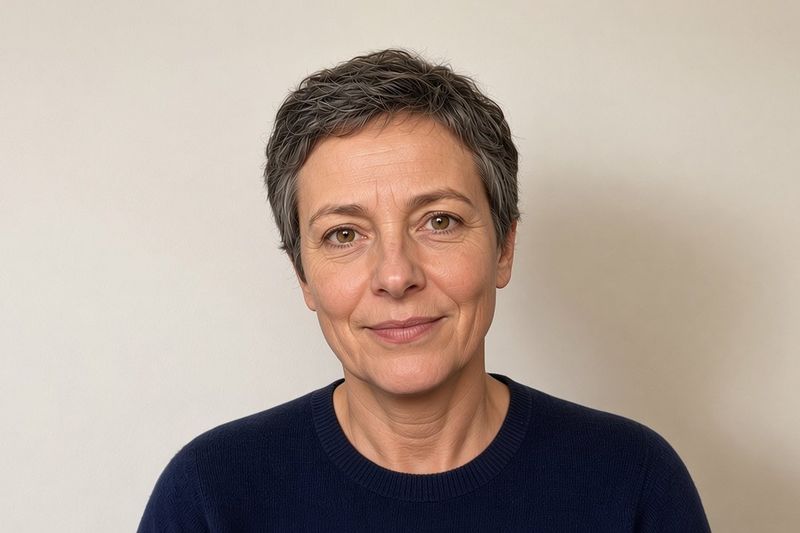
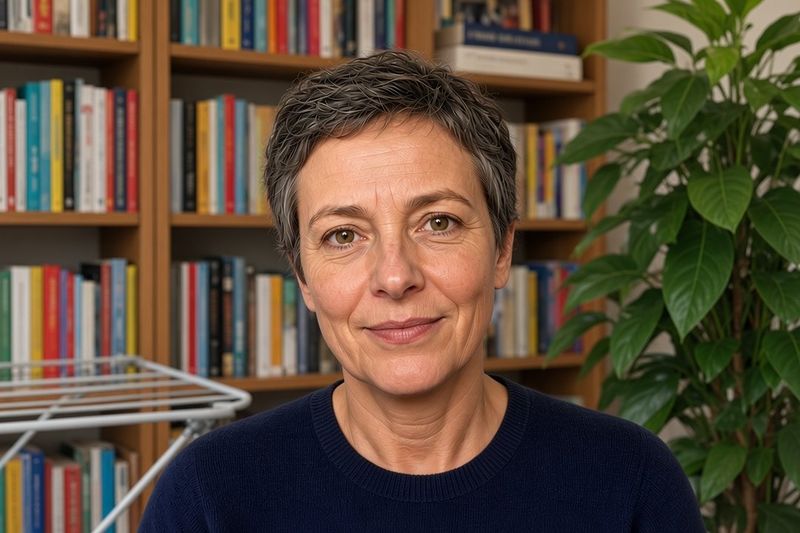
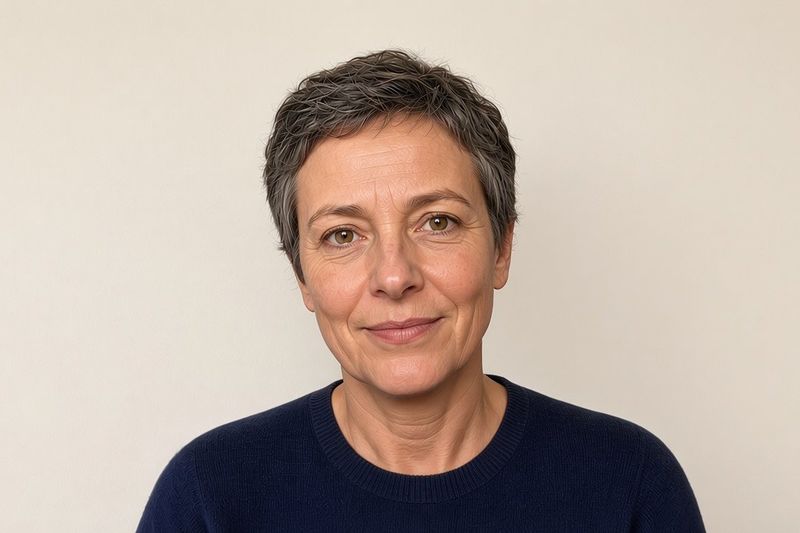
These images were made with AI as examples of light, distance and background.
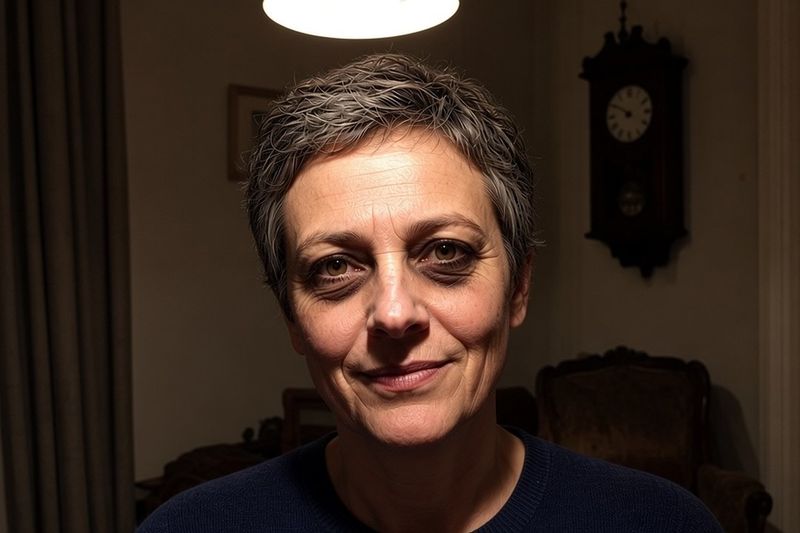
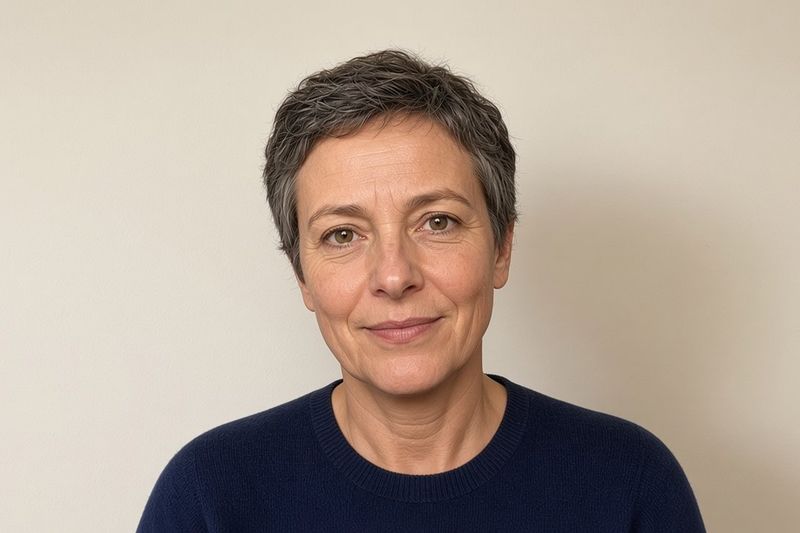
Don’t hold the phone too close
A selfie at arm’s length is quick. But from that close, your nose looks bigger and your ears almost disappear. That’s caused by the short distance, not by your face.
So put the phone a bit further away, about two metres for example. Does your camera have a zoom button, such as 2x? Use it, so your face takes up more of the frame. The proportions of your face will look more natural.
Keep the camera at roughly eye level. From below, you mostly see your chin and nostrils. From high above, you look smaller than you are.
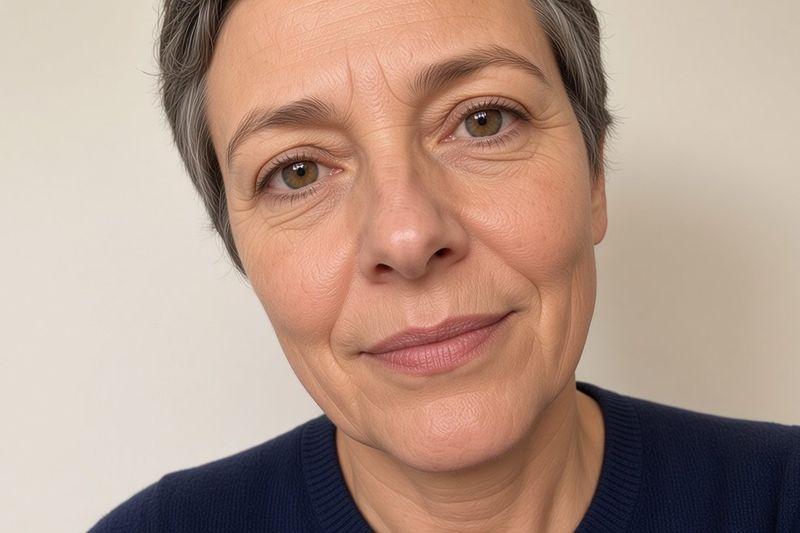
Choose a calm background
Check what’s behind you. A bookcase, a drying rack or a plant that seems to grow out of your head pulls attention away from your face. A plain wall or a quiet corner of the garden usually works better.
Take a step away from the wall as well. Your shadow is less likely to land on the wall, and the background turns a little softer.
Many phones have a portrait mode that blurs the background. That can look nice. Do check the edges of your hair and glasses, because that’s where it sometimes goes wrong.
Let your face fill the frame
Because your photo is shown small and round, your face needs to be big enough. Frame your head and shoulders. Leave a little space above your head.
Put your face in the centre. Otherwise a round frame cuts off part of your chin or hair. After you set the photo, look at it in the app itself, at the size other people see.
Take lots of photos and pick one
Put your phone on a stack of books or a shelf and use the self-timer. Or ask someone to take a few photos. Feel free to take ten or twenty. In the first few, you often still look stiff.
Think of something you enjoy in between, or chat with the person taking the photos. A smile that comes on its own usually looks more genuine than a smile on command.
Then take your time to pick the photo that looks most like you. Check your eyes too: are they sharp? A small smile and a relaxed look do more than a perfect pose.
For LinkedIn or your CV
The same steps apply for work. Wear something you’d also wear to work, and choose a neutral background. The photo should show what you look like when someone meets you for the first time.
Don’t use a photo with someone else half in it, or one from years ago. An ordinary, recent photo in good light works better.
Is your best photo not quite sharp?
Sometimes the photo with the nicest expression is not quite sharp. You can try to sharpen it. Keep in mind that sharpening can change faces and small details. Compare the result carefully with your original before you use it.
Frequently asked questions
What makes a good profile photo?
Your face should be easy to see. Face a window, keep the phone a little further away and choose a calm background. Profile photos are often small and round, so let your face fill the frame.
Can I take a profile photo without anyone helping?
Yes. Put your phone on a stack of books or a shelf and use the self-timer. Take a few photos in a row and pick one afterwards.
Does this work for a passport photo?
No. Photos for a passport or driving licence have their own rules. This article is about profile photos for apps, websites and your CV.